
Free OKR template (Excel): personal and team, ready to fill in
You know the method, all that is missing is the support. Here is a free OKR template in Excel format (compatible with Google Sheets and LibreOffice): two sheets ready to fill in, personal OKRs and team or startup OKRs, with concrete examples and progress computed for you. Direct download, no email required.
Download the OKR template (.xlsx, 9 KB) (the sheet labels are in French)
What is in the template
- Instructions: the 5 rules for making your OKRs work, on one page.
- Personal OKRs: one complete pre-filled example (getting back in shape) plus two blank objectives with their key results.
- Team and startup OKRs: an acquisition example (SEO content) with the same structure.
- Automatic progress: enter the starting value, the target value and the current value. The percentage computes itself, bounded between 0 and 100 %.
The 7 columns, and what each is for
| Column | What goes in it | Why it exists |
|---|---|---|
| Objective | A qualitative direction, with no number | Merged across all the rows of its key results, so an objective with none is impossible to miss |
| Key result | A verifiable measure, with its unit | This is the only row you will update every week |
| Starting value | Where you stand on day 1 | Without it, 40 % progress means nothing |
| Target value | Where you want to be at the end of the cycle | Forces you to choose between ambition and fiction |
| Current value | Today's measure | The only number you touch during the weekly review |
| Progress | Nothing, it is a formula | (current minus start) divided by (target minus start), bounded to 0 and 100 % |
| Notes and next action | One sentence, not a journal | The most neglected and most useful column: it turns an observation into a decision |
Progress is deliberately bounded: a key result at 130 % does not exist in this template. Overshooting a target is not a performance, it is a sign the target was badly set, and letting that overshoot inflate the average would hide an objective falling behind right next to it.
How to use it in 4 steps
- Choose 2 to 4 objectives for the next 12 weeks. No more, because that constraint is what makes the method. An objective is qualitative and motivating, numbers have no place in it.
- Write 2 to 5 key results per objective. Each has to be a verifiable number: "go from 0 to 10 km without stopping", not "run better". If the wording is giving you trouble, borrow from our 15 annotated OKR examples.
- Fill in the start and the target. That is what lets progress compute itself, and what forces you to know where you are starting from, the step everybody skips.
- Update every week. Ten minutes, on the same day each week (Friday works well). That ritual is what separates an OKR from a January resolution.
Setting start and target without lying to yourself
This is the step that decides the value of the whole quarter, and it is the one people rush. Two symmetrical mistakes lie in wait.
The first is sandbagging: setting a target you already know you will hit. It produces a green sheet and a quarter with no effect. The test is simple: if you are 90 % certain of getting there, that is not a key result, it is a forecast.
The second is the decorative target: "go from 2,000 to 50,000 visits". Nobody believes it, so nobody uses it to make trade-offs, and the objective is quietly abandoned by week 4. A useful target is uncomfortable, not absurd.
The working benchmark: aim at a target you give yourself a 50 to 70 % chance of reaching. In OKR culture, finishing a cycle around 70 % is the sign of a well-calibrated objective, and 100 % everywhere means you aimed too low.
And if you do not know your starting value, do not invent it: spend the first week measuring it, and start the cycle with a real number. A quarter that begins on a false baseline produces twelve weeks of false conclusions.
A worked example, line by line
The personal OKR sheet ships with this objective already entered, captured at week 4 of a 12-week cycle:
| Key result | Start | Target | Current | Progress |
|---|---|---|---|---|
| Run 3 sessions a week for 12 weeks (36 sessions) | 0 | 36 | 9 | 25 % |
| Go from 0 to 10 km without stopping | 0 | 10 | 4 | 40 % |
| Sleep 7 hours 30 on average per night (hours) | 6.5 | 7.5 | 7.0 | 50 % |
Three things are worth noticing. First, the unit is in the wording (sessions, km, hours): without it, after a month you no longer know whether "9" is a number of runs or of kilometres. Second, the third key result starts at 6.5 rather than zero, which is exactly the case where progress computed without a starting value would lie, showing 93 % instead of 50 %. Third, the first row is at 25 % in week 4 of 12, which is precisely on schedule: the comparison that counts is not "where am I", but "where am I relative to how much of the cycle has elapsed".
That is the reading to get into the habit of, and it is the same one as a productivity dashboard: what steers a decision is the trajectory, never the absolute value.
The 10-minute weekly review
The template is only worth as much as this ritual. Without it you will have filled in a nice table in January and reopened it in April, with the unpleasant feeling of having lost a quarter.
Put a recurring 10-minute slot in the calendar, on the same day each week, and block it like an appointment: it is the most profitable use of time-blocking there is. During those 10 minutes, three moves, in this order:
- Update the "current value" column, and only that. You do not rewrite your objectives during a review: that is how people end up adjusting the target to the result rather than the other way round.
- Spot the key result furthest behind relative to how much of the cycle has elapsed. One only, the worst.
- Write a single next action in the Notes column, and carry it into your task list for the week. A concrete action, doable in under two hours.
That is all. The review is neither a report nor a tribunal, it is a set of points. It has done its job if it produces one line in your following week.
Scoring your cycle at the end (and why 70 % is a success)
At the end of the quarter, the average of an objective's progress gives its score, between 0 and 100 %. The reading grid, inherited from practice at Intel and then Google:
- 60 to 80 %: the zone to aim for. The objective was ambitious and you genuinely moved.
- Above 90 %, consistently: your targets are too low. Next quarter, raise them until it feels uncomfortable.
- Below 40 %: the question is not "did I work hard enough?" but "was this the right objective?". An objective at 20 % halfway through is not behind, it is being abandoned without anybody saying so.
The score is there to calibrate the next cycle, never to evaluate a person. As soon as an OKR score decides a bonus, targets collapse within three quarters: everybody learns to promise only what they already know they can deliver. And if your need is to monitor rather than to change, what you want is a KPI, not an OKR. The distinction is set out in OKRs vs SMART vs KPIs.
Adapting the template for a team
The team and startup sheet is enough for 2 to 5 people. Three adjustments make it usable collectively:
- An "owner" column. A key result with no name against it does not move. One owner per key result, not per objective: that is the granularity that makes the review possible.
- A "confidence" column, 1 to 5. Filled in at every review, it captures what progress cannot see: a key result at 60 % whose confidence drops from 4 to 2 is a warning three weeks before the number falls away.
- One tab per team, never one file per person. The day the file gets duplicated, versions diverge and tracking dies. That is the structural limit of a spreadsheet in a group, and it arrives quickly: beyond five people the question is no longer whether but when. The subject is taken head on in the Cosmo for teams page.
The 4 most common filling-in mistakes
- Confusing a key result with a task. "Send 50 applications" is an activity, "land 5 interviews" is a result. The first is achieved by working a lot, the second by working well.
- Putting a number in the objective. If the objective already carries the measure, the key results become a task list and the method loses its point. The objective inspires, the key results measure.
- Filling all 8 available rows. The template offers 2 blank objectives of 4 key results each. That is a capacity, not an instruction: two objectives of three key results beat eight rows you will never read again.
- Changing targets along the way. A target that moves in week 7 is no longer a target. Note in the Notes column why it was wrong instead, and use that to calibrate the next cycle.
If a term in the field escapes you (key result, cycle, KPI, sandbagging), the productivity glossary defines them all in one sentence.
The 3 traps of tracking in a spreadsheet
This template is the best way to start today. Let us be honest about its limits, familiar to anybody who has tracked OKRs in Excel:
- Nobody opens the file. A spreadsheet does not chase you: the weekly update rests entirely on your discipline, precisely the resource OKRs are supposed to save.
- Tracking is disconnected from the action. Your daily tasks live elsewhere, and the link between "what I do today" and "my goals for the quarter" stays invisible.
- No visual history. A cell at 40 % does not tell you your trajectory: steady progress, or a last-minute sprint?
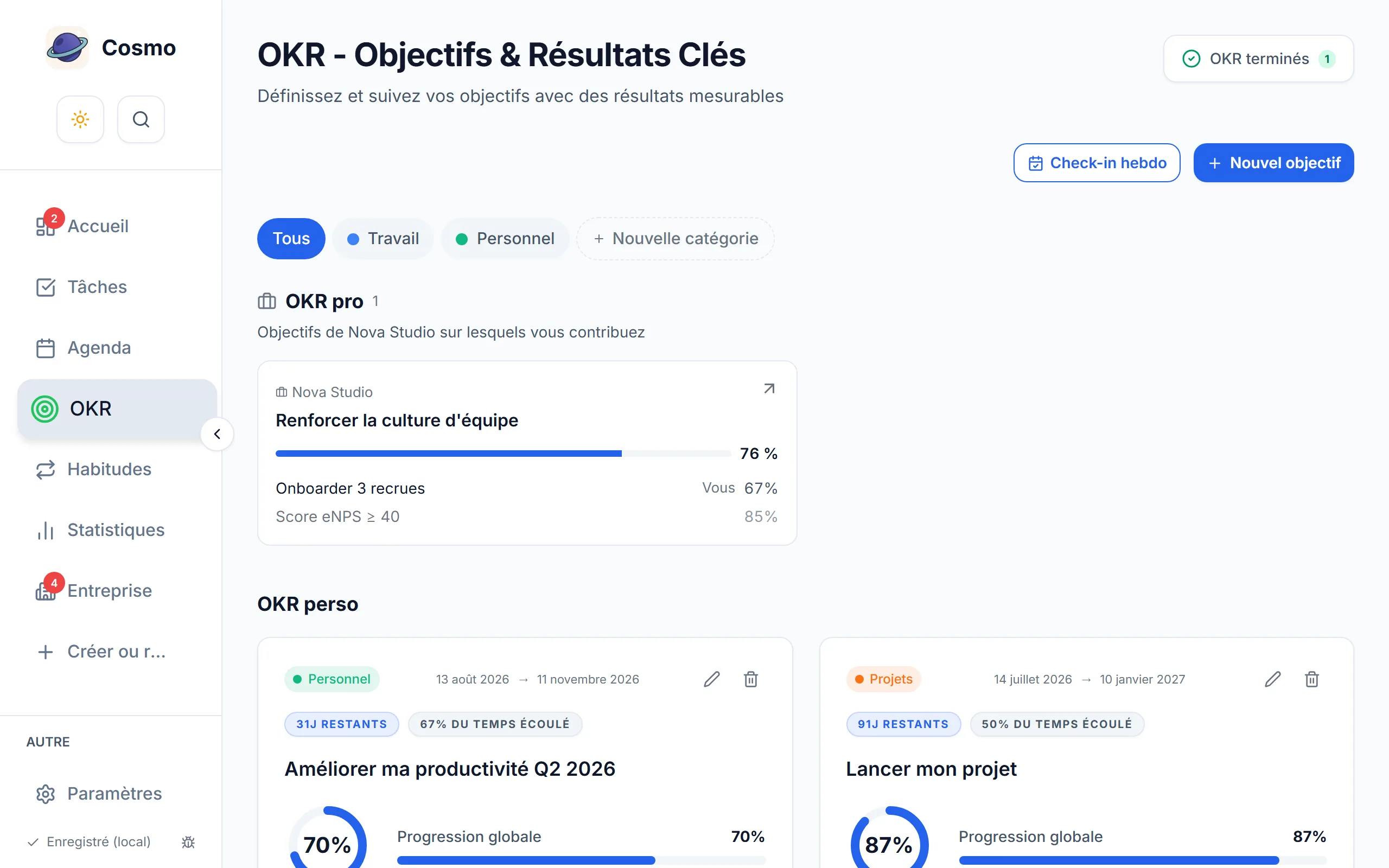
If those limits are holding you back, Cosmo has OKRs built in: progress updated as you act, a chart of key results achieved on the dashboard, and your goals living next to your scheduled tasks and your habits. Free, with a demo and no sign-up.
Frequently asked questions
Does the template work in Google Sheets?
Yes: import the .xlsx file into Google Sheets (File then Import) and the progress formulas are preserved. It is also compatible with LibreOffice Calc and Numbers.
Can I share it with my team?
Yes, freely. If each member tracks their own OKRs, duplicate the team and startup sheet once per person, keeping a single file for everybody rather than one file each.
Do I have to give an email address to download it?
No. The link is direct, with no form and no sign-up. We would rather you judged the content than gave us your address.
How many objectives should go in the template?
Two to four per cycle, with 2 to 5 key results each. The template offers more for layout comfort, not as a quota to fill. Beyond four, the weekly review runs past ten minutes and stops happening.
Can I start mid-quarter?
Yes, and it is better than waiting. Take the remaining weeks as your cycle length and scale the targets down in proportion: a well-tracked seven-week cycle beats a twelve-week cycle that starts in a month.
What if I miss two reviews in a row?
Pick up at the next one, without catching up the missed weeks. Nothing in the template depends on history, only the current value counts. It is mostly a signal that the review slot needs moving, not that willpower needs raising.